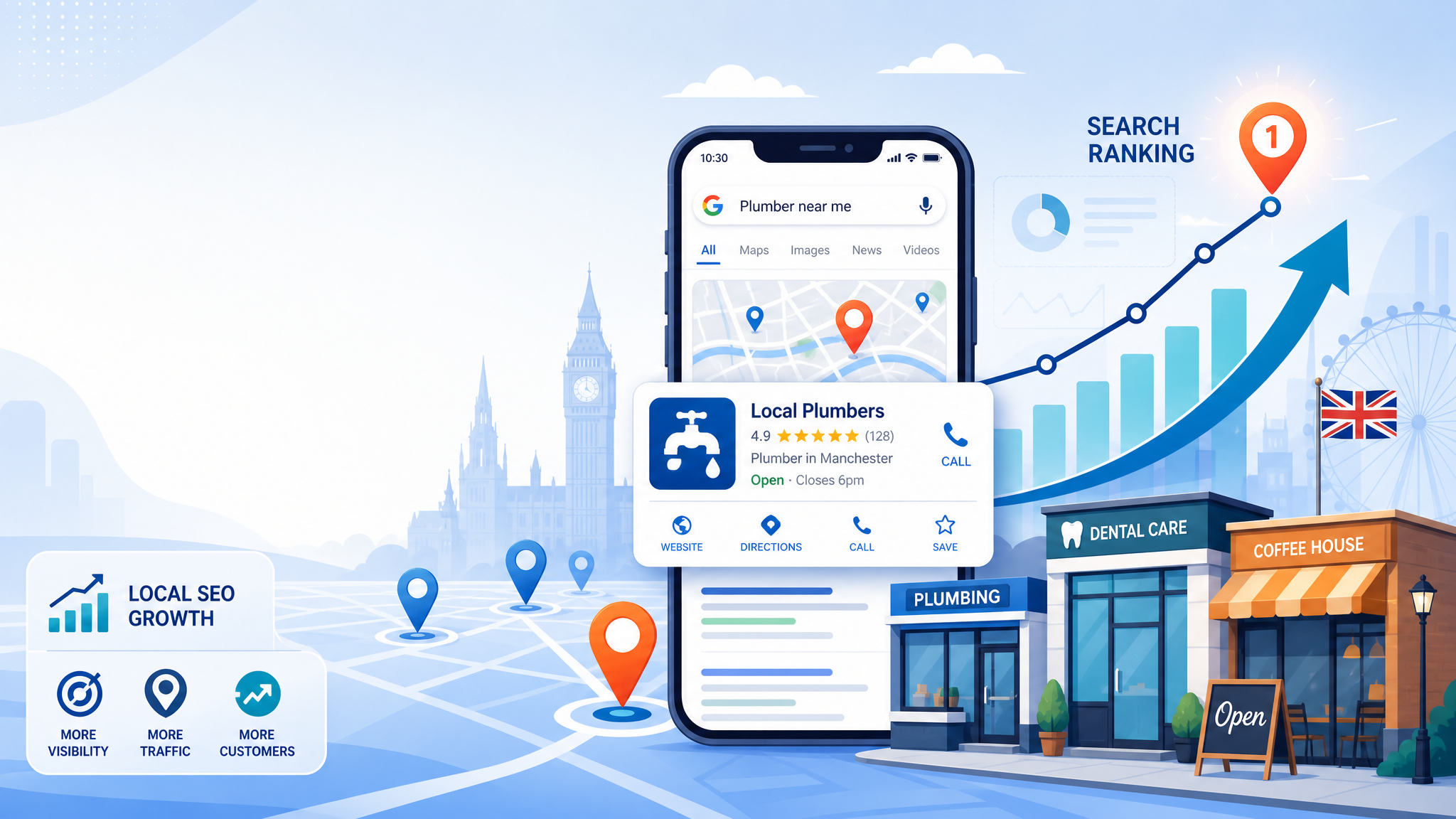
If you want more local calls, direction requests and website visits, your Google Business Profile matters more than ever. For many UK businesses, it’s the first thing potential customers see before they ever reach your site. And in 2026, a half-complete profile simply won’t cut it. Google uses your profile details, activity and credibility signals to decide when you appear in local results and on Google Maps. The good news? You don’t need tricks. You need a properly built, well-maintained profile that sends the right signals. Here’s how to optimise your Google Business Profile for a UK business, step by step.
Get The Basics Right Before You Optimise Anything Else
Before you tweak categories or upload fresh photos, make sure the fundamentals are accurate. A surprising number of local ranking problems come from basic errors: the wrong phone number, inconsistent opening hours, or an address that doesn’t match what appears elsewhere online.
Start with your business name, address and phone number. Keep these details consistent with your website, Companies House listing, social profiles and major directories. If you serve customers at your premises, use your full physical address exactly as customers would recognise it. If you’re a service-area business, define the areas you actually cover rather than trying to claim half the country.
You should also verify your profile properly and secure ownership under a business-controlled Google account, not an old employee login. Then check practical details such as holiday hours, website URL, booking link and business status. It sounds basic because it is, but these are the foundations of local SEO.
Choose The Best Primary Category And Complete Every Core Field
Your primary category is one of the strongest relevance signals in your Google Business Profile. Choose the category that most closely matches your main service, not the broadest or most aspirational option. If you’re a solicitor, for example, don’t default to “legal services” if “family law attorney” or a more precise category fits what you actually do.
Then add secondary categories only where they’re genuinely relevant. Too many loosely related categories can muddy the signal rather than improve it.
Once your categories are set, complete every core field Google gives you:
- opening hours
- phone number
- website
- services
- products where relevant
- service areas
- accessibility and amenity details
- appointment or booking options
Completeness helps users, but it also helps Google understand what your business does. A fully completed profile tends to earn more engagement because it answers questions before the customer has to ask them.
Write A Localised Business Description That Improves Relevance
Your business description isn’t the place for keyword stuffing. It is the place to explain clearly who you help, what you offer and where you operate.
A strong description usually includes your core service, your local area and a trust signal or differentiator. For example, instead of writing something vague like “We provide high-quality plumbing solutions”, say that you offer emergency and planned plumbing services across Leeds and nearby areas, with fully qualified engineers and transparent pricing.
Keep it natural. Mention your town, city or region where relevant, especially if local intent matters to your customers. If you serve multiple nearby areas, work that in without turning the description into a list of place names.
Think of this section as a short positioning statement. It should help Google connect your profile to local searches, but more importantly, it should help a real person decide whether your business looks trustworthy and relevant.
Add Photos, Services, Products And Attributes That Build Trust
A profile with no real-world proof feels thin. A profile with recent photos, detailed services and useful attributes feels legitimate.
Upload original images of your storefront, team, vehicles, workspace or completed jobs, whatever best represents your business. Stock photography is usually obvious, and it rarely helps. For UK businesses competing in crowded local markets, genuine photos can make a real difference to click-through rate.
Use the services section to list what you actually provide, ideally with short descriptions. If products are relevant, add them too, including pricing or ranges where appropriate. This gives potential customers more reasons to choose you straight from search results.
Attributes matter as well. Options such as wheelchair-accessible entrance, online appointments, women-led, or accepts cards can improve both relevance and trust. Don’t tick everything. Just choose the ones that are accurate. The goal is simple: reduce uncertainty and make it easier for someone to contact you.
Use Reviews Strategically To Strengthen Local Visibility
Reviews influence both rankings and conversions, so treat them as an ongoing system rather than a one-off task. If you only ask for reviews when business is quiet, you’ll end up with inconsistent signals and patchy social proof.
Build a simple review process into your customer journey. Ask after a successful job, completed purchase or positive support interaction. Make it easy by sending a direct review link by email or SMS.
Quality matters more than brute volume. Reviews that mention specific services, locations and experiences can reinforce relevance naturally. You should never script them, but you can encourage honest detail.
And reply to reviews, especially recent ones. Thank happy customers in a personal way, and handle negative feedback calmly and professionally. Google can see that your profile is active, and future customers can see that you care. In practice, that combination often matters more than having a perfect five-star average.
Keep Your Profile Active With Posts, Updates And Q&A
An abandoned profile sends the wrong message. An active one shows Google and customers that your business is current, responsive and operating normally.
Use Google Posts to share updates such as seasonal offers, new services, events, case studies or important announcements. You don’t need to post daily. Consistency matters more than volume. Even a couple of useful updates each month can help keep your profile fresh.
The Q&A section is often overlooked, which is a mistake. Anyone can ask a question, and if you leave it unmanaged, inaccurate answers can sit there publicly. Add your own common questions and answer them clearly. Think about what customers ask before they call: parking, service areas, lead times, pricing approach, accessibility, or whether appointments are needed.
This part of optimisation is less glamorous, maybe, but it improves trust fast. People notice when a business looks looked-after.
Track Performance And Fix Common Google Business Profile Issues
Optimising your Google Business Profile isn’t a one-time job. You need to watch performance and fix problems before they start costing you visibility.
Use your profile insights to track calls, website clicks, booking actions and direction requests. Look for patterns. If views are steady but clicks are weak, your photos, reviews or description may not be persuasive enough. If engagement drops suddenly, check whether Google has applied an update, changed a category, or suspended part of your profile.
Common issues include duplicate listings, incorrect map pins, rejected edits, missing reviews and user-suggested changes that slip through unnoticed. Audit your profile regularly and compare it against your website and other citations.
Also, keep a record of major edits. If rankings dip after a change, you’ll have a trail to review. Local SEO often improves through small corrections, not dramatic overhauls. The businesses that win are usually the ones that stay accurate, active and patient.